⚡ Quick Answer
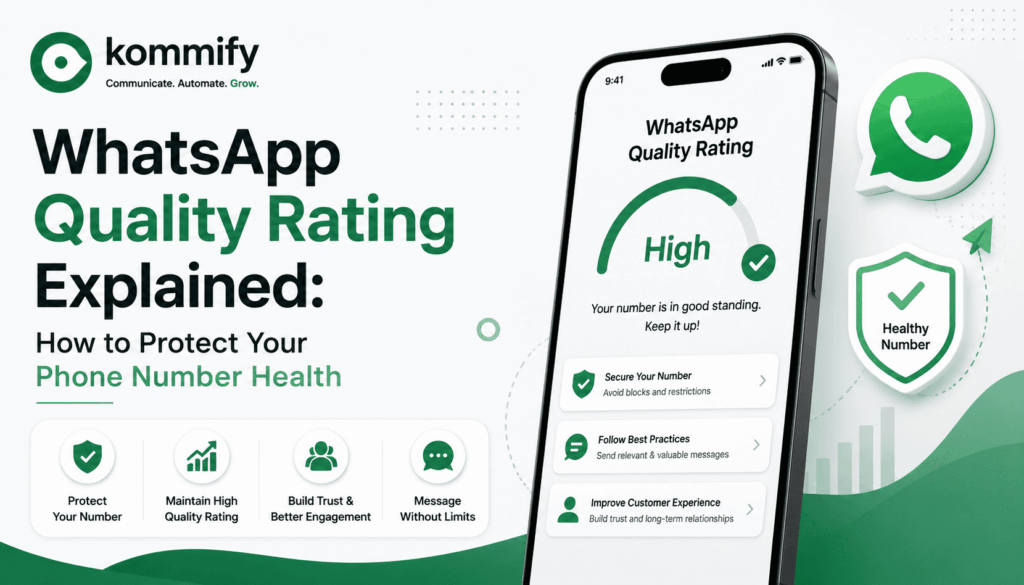
WhatsApp quality rating is Meta’s score for your business phone number based on how recipients respond to your messages — particularly block rates, report rates, and read rates. Ratings are Green (good), Yellow (medium), Red (poor). A Red rating drops your daily messaging limit by up to 97%, from 100,000 to 1,000 conversations/day. It’s driven by recipient behaviour, not message volume.
WhatsApp Quality Rating: How It Works and How to Protect Your Phone Number
You can follow every technical rule for WhatsApp API setup, get your templates approved, and still wake up one morning to find your messaging limits slashed from 100,000 to 1,000 conversations per day. When that happens, it’s almost always a quality rating problem — and it’s one of the least understood aspects of running WhatsApp campaigns at scale.
What Is Quality Rating and How Is It Measured?
Meta assigns each WhatsApp business phone number a quality rating based on the feedback signals it collects from message recipients over the past 7 days. The signals include: how many recipients block your number after receiving a message, how many report your messages as spam, and read/response rates (positive signals).
Ratings are: Green = good quality, healthy limits. Yellow = medium quality, approaching a limit drop. Red = poor quality, messaging limits already reduced.
How Quality Rating Affects Your Messaging Limits
WhatsApp API uses a tiered messaging limit system. You start at Tier 1 (1,000 conversations/24h) and can progress to Tier 2 (10,000), Tier 3 (100,000), and Tier 4 (unlimited) as you demonstrate quality sending at each tier.
When your quality rating drops to Red: Meta immediately drops your limit to 1,000 conversations/day and flags your account for review. You lose tier progress. Recovery requires 7 consecutive days of clean sending, and you may need to re-earn your tier.
What Causes Quality Rating to Drop
- Sending to non-opted-in users — the fastest way to accumulate blocks
- Sending at high frequency to users who don’t engage — daily messages to users who never open
- Template content that feels misleading or irrelevant to the recipient
- Sending marketing messages outside of local business hours — irritates recipients
- No easy opt-out mechanism — users who can’t easily unsubscribe block instead
- Old, stale contact lists with many inactive WhatsApp users
How to Recover a Red Quality Rating
First, immediately pause all marketing campaigns. The fastest way to stop the bleeding. Then audit your recent sends: which campaigns ran in the 7-day window before the drop? What were the block rates per campaign?
For the next 7 days, send only to your most engaged segment — people who have replied or clicked in the last 30 days. Send only utility messages (transactional), not marketing. After 7 days of clean sends with low block rates, Meta typically restores your rating to Yellow.
📊 Industry Data
Businesses that experience a quality rating drop to Red typically see a 40-60% revenue impact from WhatsApp if they rely on it for daily operations. Average time to full recovery (back to Green and Tier 3 limits): 21-30 days of disciplined clean sending.
Frequently Asked Questions
How can I check my WhatsApp quality rating?
In your Meta Business Manager: go to WhatsApp Manager → select your phone number → the Quality Rating and messaging tier are shown on the overview screen. Your BSP dashboard (like Kommify) also shows this in real time.
Can I dispute a quality rating drop with Meta?
You can submit feedback through Business Support, but Meta rarely overrides quality rating decisions based on user feedback signals. The most reliable path is demonstrating clean sending behaviour over 7+ days.
What is the maximum messaging limit on WhatsApp Business API?
Tier 4 allows unlimited conversations per day — but reaching it requires consistently maintaining a Green quality rating at Tier 3 (100,000/day). Most Indian businesses operate effectively at Tier 2 or Tier 3.