⚡ Quick Answer
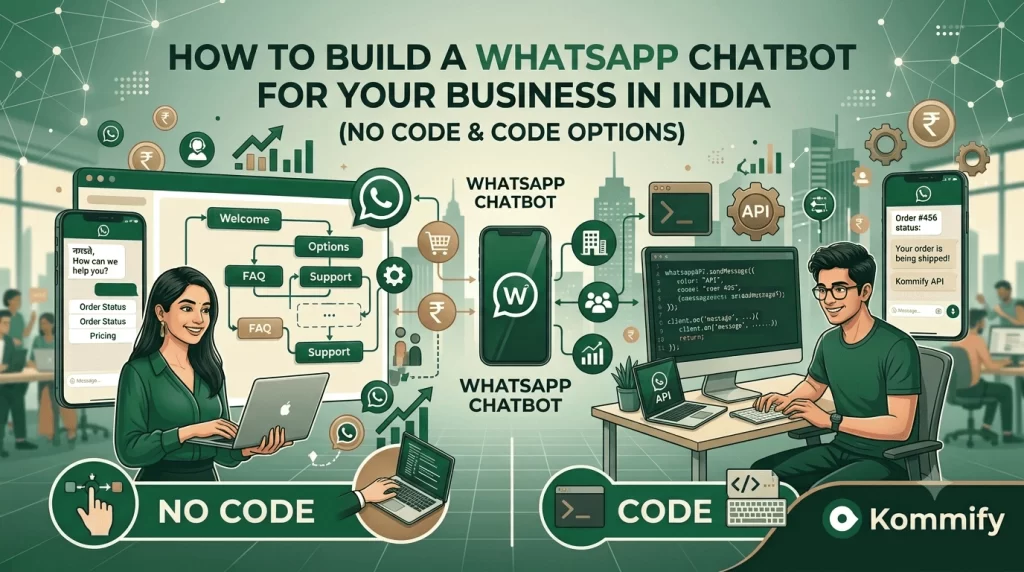
A WhatsApp chatbot is an automated conversation flow built on the WhatsApp Business API. It can answer FAQs, qualify leads, book appointments, process orders, and hand off to human agents. No-code platforms like Kommify let you build flows visually without any coding. Rule-based chatbots handle structured conversations; AI-powered chatbots (using LLMs) handle open-ended queries.
How to Build a WhatsApp Chatbot for Your Business in India
The appeal of a WhatsApp chatbot is obvious: your customers are already on WhatsApp, you’re paying for API access anyway, and a well-built chatbot can handle 60-70% of inbound queries without any human involvement. The challenge is that most chatbots built in a hurry frustrate customers more than they help them.
This guide covers how to design a chatbot that actually works — not just technically, but from the customer’s perspective. I’ll cover both the no-code and custom-built options.
No-Code vs Custom-Built Chatbots: Which Should You Choose?
| Compare |
✦ Recommended No-Code Kommify Builder |
Custom-Built Developers |
|---|---|---|
| ⏱ Setup Time | 1–3 days | 4–12 weeks |
| 💰 Cost | Included in BSP plan | ₹2–10L+ development cost |
| ⚙ Flexibility | High for standard use cases | Unlimited |
| 🛠 Maintenance | BSP handles API updates | Your dev team’s responsibility |
| 🚀 Best For | SMBs, standard flows, quick launch | Complex logic, deep integrations |
For 80% of Indian businesses, the no-code route is the right choice. The remaining 20% — typically enterprises with deep CRM integrations, complex multi-step workflows, or AI-powered natural language requirements — benefit from custom development.
Designing Your First Chatbot Flow
Start with your support tickets. Look at your last 200 customer queries and categorise them. In most Indian businesses, 70% of queries fall into 5-8 buckets: order status, product information, price/availability, return/refund, store hours/location, account issues, delivery queries. Build your chatbot to handle exactly these.
A good basic flow: Greeting message → Main menu (numbered list or quick reply buttons) → Sub-menu for each category → Resolution or handoff to human agent. Add a fallback message for anything outside the flow: “I’ll connect you to our team right away.”
The Always-On Human Handoff
The best chatbots know what they don’t know. When a customer’s query goes outside the bot’s scope, or when they express frustration (detect keywords like “refund not received,” “this is wrong,” “useless”), route immediately to a human agent through your shared inbox.
AI-Powered vs Rule-Based Chatbots
Rule-based chatbots follow fixed decision trees — great for structured queries like “track my order” or “see menu.” AI-powered chatbots (using GPT-4 or similar LLMs under the hood) handle free-form text and understand intent without forcing users through menu trees.
For Indian businesses, AI chatbots work best in English and Hindi. Hinglish (the code-switched hybrid most urban Indians actually use) has improved significantly but still has edge cases. If your customer base communicates primarily in regional languages, rule-based with human fallback is more reliable right now.
📊 Industry Data
Indian businesses that deploy WhatsApp chatbots for FAQ handling report 62% reduction in per-ticket support costs. Average time to first response drops from 4.2 hours (human-only) to under 2 minutes. Customer satisfaction for chatbot-handled queries averages 4.1/5 when the handoff to human agents works smoothly.
Frequently Asked Questions
Can a WhatsApp chatbot handle payments in India?
WhatsApp Pay is available in India and can be integrated into chatbot flows for payment collection. However, WhatsApp Pay is separate from the API — it requires additional setup. Many businesses instead send payment links (Razorpay, PayU, CCAvenue) within WhatsApp conversations, which works across all UPI and card payment methods.
How many chatbot flows can I run simultaneously on WhatsApp?
No limit on the number of flows. Kommify lets you build separate flows for different entry points — a Click-to-WhatsApp ad, an inbound keyword trigger, a post-purchase automation, a lead qualification sequence. Each can run in parallel across thousands of conversations.
What happens when the chatbot doesn't understand a customer's message?
Design a graceful fallback: “I’m not sure I understood that — let me connect you with a team member who can help.” Never leave a customer staring at a non-response. In Kommify, unresolved chatbot conversations can be auto-escalated to the human inbox queue after one failed attempt.