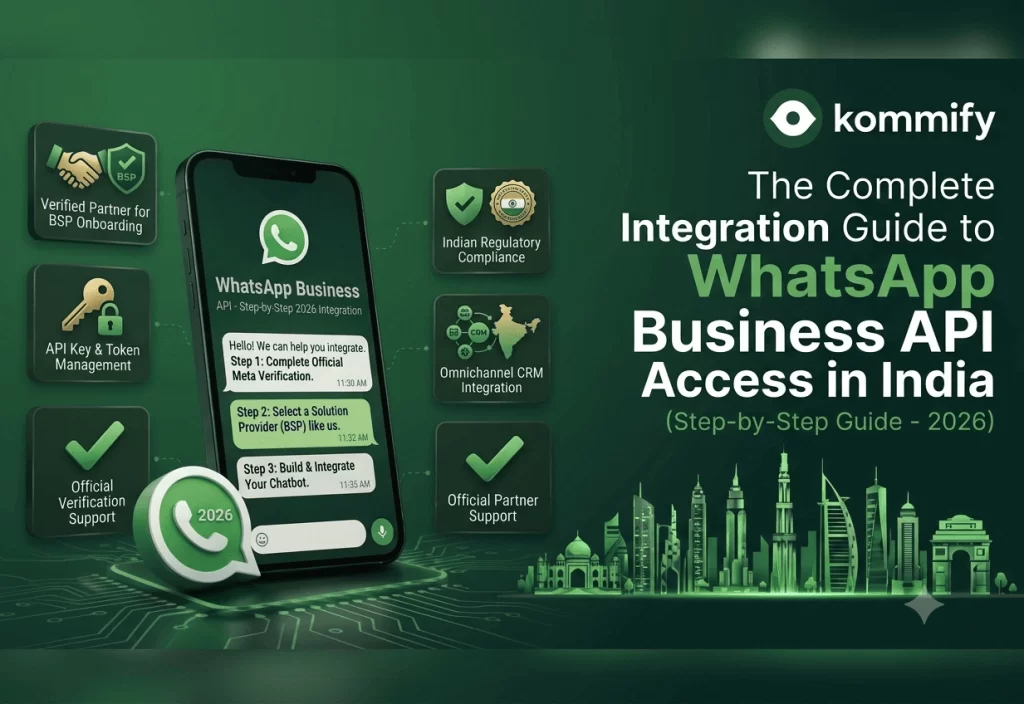
 Quick Answer
To get WhatsApp Business API in India:
(1) Create and verify a Meta Business Manager account at business.facebook.com
(2) Register a WhatsApp Business Account (WABA)
(3) Choose a BSP like Kommify who connects your phone number to the API
(4) Submit and get approval for your first message template
(5) Start messaging.
Most businesses complete this in 3-5 business days.
How to Get WhatsApp Business API Access in India (Step-by-Step Guide - 2026)
The most common question I hear from business owners who’ve done their research is: “Okay, I understand how the API works — but how exactly do I get it?” Fair question. Meta’s official documentation assumes you’re a developer and starts you in the middle of the process. This guide starts from zero.
I’ll walk you through the exact sequence of steps, tell you where delays typically happen (and why), and explain what your BSP does vs what you have to do yourself.
Step 1: Create and Verify Your Meta Business Manager
Go to business.facebook.com and create a Business Manager account if you don’t have one. You’ll need a personal Facebook account to create it — yes, even if this is entirely for your business. This is a Meta requirement with no workaround.
Once created, go to Business Settings → Business Info and complete your business verification. For Indian businesses, Meta typically asks for: your business name exactly as it appears on GST registration, your registered address, and either GST certificate, company PAN, or certificate of incorporation. Upload clear scans — blurry documents are the #1 cause of verification delays.
⚠️ Watch Out
Meta’s business verification typically takes 1-5 business days. If your business name on Meta doesn’t exactly match your legal documents, it will be rejected. Do not abbreviate your company name or use a trade name if your legal name is different.
Step 2: Create a WhatsApp Business Account (WABA)
After your Business Manager is verified, you’ll create a WABA. This is the container that holds your WhatsApp API phone number and is linked to your Meta Business Manager. You can have multiple phone numbers under one WABA.
If you’re going through a BSP like Kommify, they’ll guide you through this step via their embedded signup flow — you grant them access to create the WABA on your behalf, which is faster than doing it manually through Meta’s developer portal.
Step 3: Choose Your BSP and Connect Your Phone Number
Your phone number needs to be able to receive an OTP (voice call or SMS) for verification. Important: the number must NOT already be active on any WhatsApp account (personal or Business app). If it is, you must delete/deactivate WhatsApp on that device first, then wait 10 minutes before registering via the API.
Step 4: Submit Your First Message Template
Approval usually takes 24-72 hours for straightforward utility and marketing templates. Templates with external links, phone numbers, or certain promotional language sometimes take longer or get flagged for review. Your BSP can flag potential issues before submission.
Step 5: Test and Go Live
Most BSPs give you a sandbox environment to test your first few messages. Use it. Send to your own number, check formatting, make sure variables populate correctly, verify the opt-in flow works. Once you’re satisfied, switch to production.
📊 Industry Data
Based on onboarding data from Indian businesses, 73% complete the API setup process within 5 business days when using a BSP. The most common delay (affecting 41% of applications) is Meta Business Manager verification — usually caused by document name mismatches.
Common Mistakes That Delay Your Approval
- Business name mismatch between Meta BM and legal documents → leads to verification rejection
- Phone number still active on personal WhatsApp → leads to OTP verification failure
- Submitting templates with external URLs before your Facebook domain is verified → template rejection
- Not having a clear opt-in mechanism documented → Meta may flag your account for policy review
Frequently Asked Questions
Can I use my existing WhatsApp Business app number for the API?
Yes, but you must first deactivate WhatsApp on that device — deleting the app is not enough, you need to go through the deactivation flow inside the app settings. Once deactivated, wait 10 minutes before attempting OTP verification through the API setup.
Do I need a developer to set up WhatsApp Business API?
Not if you use a BSP like Kommify. BSPs provide no-code dashboards that handle all the technical setup. You’ll need a developer only if you want custom integrations with proprietary internal systems or want to access the raw API endpoints directly.
How long does the complete WhatsApp API onboarding take?
With a BSP, most Indian businesses go from signup to first live message in 3-7 business days. Meta Business Manager verification is the longest step (1-5 days). Once your WABA and number are connected, template approval takes another 24-72 hours.