Connect Your Calls. Empower Your Team.
Simplify business communication with cloud telephony setup for Kommify CRM. Connect compatible cloud-based phone systems with your CRM to manage customer calls, access contact information, track interactions, and streamline follow-ups from one connected workspace.

- Dashboard
- Leads
- Contacts
- Calls
- Tasks
- Reports
- Settings
Bring Your Business Calls and CRM Together
Managing calls separately from customer information can lead to disconnected records, missed follow-ups, and unnecessary manual work.
Kommify CRM helps businesses connect supported cloud telephony systems with their CRM workflows, making it easier to access customer context, maintain call activity records, and coordinate the next steps in the customer journey.
Whether you're setting up a sales calling team, customer support operation, or multi-team communication process, create a more connected way to manage business conversations.
Key Features of Cloud Telephony Setup
Cloud Telephony Integration
Connect compatible cloud-based phone systems with your CRM to centralize calling activities.
Click-to-Call
Enable users to initiate calls directly from CRM records when supported by your telephony provider.
Customer Information at Your Fingertips
Give teams quick access to relevant lead and contact details during conversations.
Call Activity Synchronization
Sync call details, statuses, durations and outcomes with relevant CRM records.
Inbound and Outbound Calling
Support incoming customer enquiries and outgoing sales calls through a compatible setup.
Call Routing and Team Assignment
Configure routing options to direct calls to the right teams or representatives.
Automated Follow-Up Workflows
Trigger reminders, create tasks, and update CRM records based on call events and rules.
Call Analytics and Reporting
Monitor communication trends, team productivity, and follow-up performance.
Set Up Your Cloud Telephony in 5 Simple Steps
Get your team connected with a cloud telephony system and integrate it with your CRM in a few simple steps.
Choose Your Telephony Provider
Select a compatible provider based on your needs.
Connect Your CRM
Configure the integration using API or provider settings.
Configure Users and Call Flows
Set up team access, routing rules and call flows.
Test Your Setup
Verify call connectivity, contact matching and workflows.
Start Managing Calls
Organize calls, maintain records and coordinate follow-ups.
Cloud Telephony Use Cases

Sales and Lead Generation
Contact prospects, access lead information, and track follow-ups.

Customer Support
Connect calls with CRM records to improve context and response time.
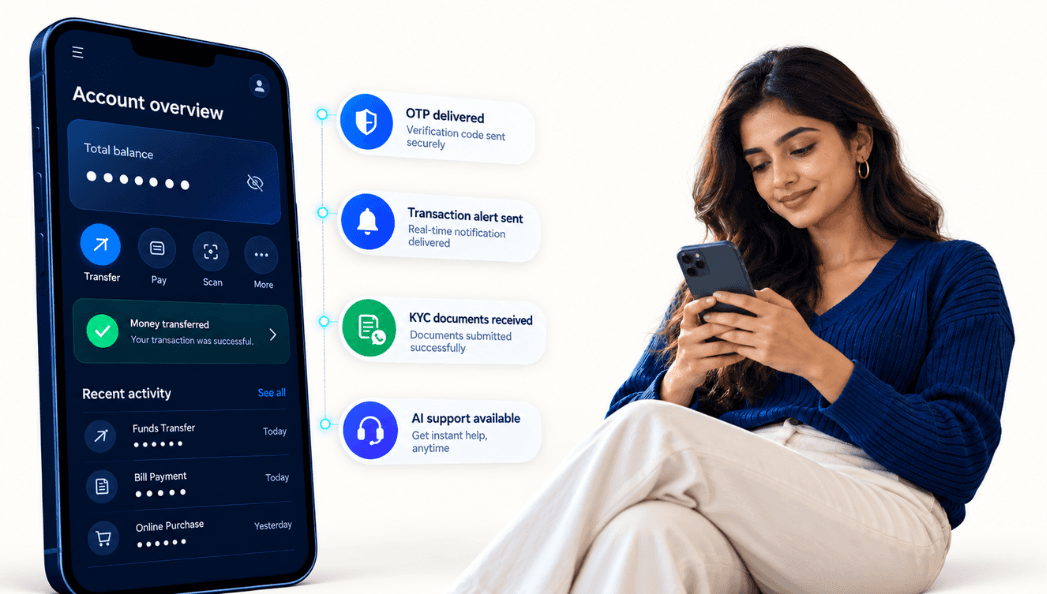
Appointment Scheduling
Coordinate calls, meetings and callback reminders.

Distributed Teams
Support teams across locations with internet-based calling.
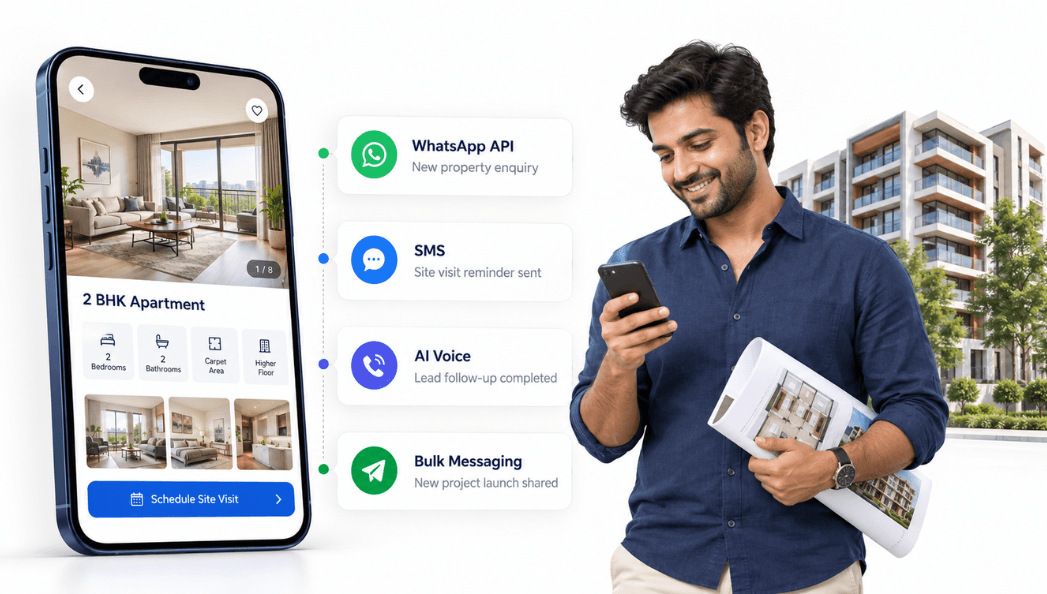
Education Admissions
Manage enquiries, counselling calls and prospective student follow-ups.
Works with Your Preferred Tools
Connect your cloud telephony system with Kommify CRM and other important tools for a unified communication ecosystem.
Why Choose Kommify for Cloud Telephony?
Connected Customer Records
Bring calling activities and CRM information together in one workflow.
Simplified Call Operations
Reduce manual steps and manage contact information efficiently.
Better Team Coordination
Organize assignments, follow-ups and communication across teams.
Workflow Automation
Trigger tasks, reminders and notifications based on call events.
Greater Operational Visibility
Use activity data and reports to understand performance and trends.
Flexible Integration
Work with your preferred telephony providers and business needs.

Ready to Connect Your Business Calls?
Bring your telephony system and CRM workflows together with Kommify CRM. Create a more organized calling experience, improve customer visibility, and help your team manage conversations more effectively.
Trusted by Businesses Across Industries
Powering communication, engagement and growth for organizations across industries.